

Learn how an AI humanizer refines AI-generated text before a Turnitin check. Understand Turnitin AI detection and submit with confidence.
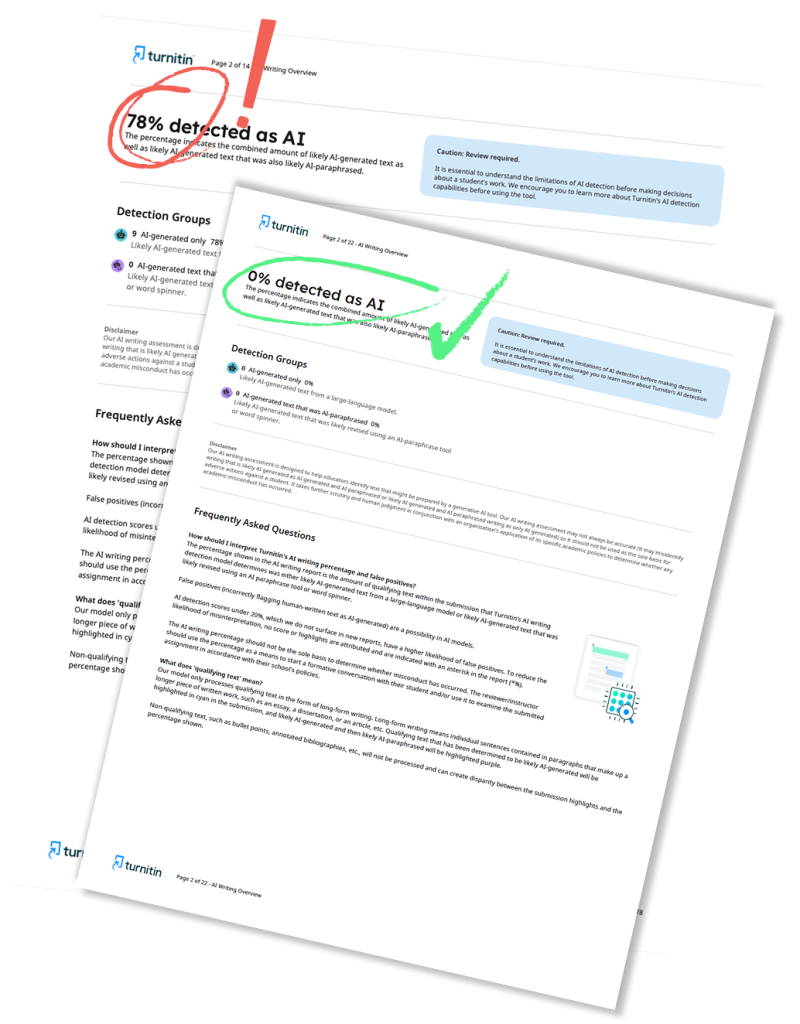
The page explains how AI humanizers rewrite AI-generated text to better match human writing patterns before a Turnitin check. It describes Turnitin’s AI detection as pattern-based, focusing on perplexity and burstiness rather than exact text matching.
It also contrasts humanizers with basic paraphrasers, outlines steps for revising flagged sections, and recommends reviewing the AI Writing Report and using an official Turnitin scan. The page notes that free plagiarism checkers are limited compared with Turnitin’s database.
What Is an AI Humanizer and Why Students Actually Need One
You wrote your essay with a little help from ChatGPT. Now you need to run a Turnitin check before submission, and you are worried about that AI detection score. That is exactly where an AI humanizer comes in.
An AI humanizer is a tool or service that takes machine-generated text and reworks it so it reads like something a real person wrote. It is not about cheating the system. It is about taking content you have already drafted and giving it the natural flow, varied sentence rhythm, and human touch that detectors like Turnitin AI detection look for when they scan your work.
At humanfyai.com, we see this situation every day. Students come to us after running a Turnitin scan and seeing sections of their paper flagged as AI-generated. Sometimes the flags are accurate. Sometimes they are false positives, especially if you write in a formal, structured style. Either way, an AI humanizer helps you clean up the text before it ever reaches your professor’s inbox.
How Turnitin AI Detection Actually Works
Before you can refine your draft, you need to understand what the detector is measuring. Turnitin’s AI detection engine does not search the internet for matching text like its plagiarism checker does. Instead, it analyzes the statistical patterns in your writing.
The system looks at two main things: perplexity and burstiness. Perplexity measures how predictable your word choices are. AI models tend to pick the most common, expected next word in a sentence. Humans are more unpredictable. We use slang, switch gears mid-thought, and sometimes choose words that do not quite fit the pattern. Burstiness measures how much your sentence length varies. AI tends to write sentences that are all roughly the same length. Humans mix short, punchy statements with longer, more complex ones. A good AI humanizer targets both metrics, restructuring your text so the underlying statistics look human to a Turnitin scan.
Official Turnitin Documentation:
For a comprehensive understanding of how AI writing detection results should be interpreted, refer to the official support guides: Using the AI Writing Report.
The Difference Between a Paraphraser and a Real AI Humanizer
Most students make the mistake of running their text through a basic paraphrasing tool and thinking that will solve the problem. It will not.
Paraphrasers swap synonyms. They change “important” to “significant” and “use” to “utilize.” The underlying sentence structure stays exactly the same. Turnitin’s AI detection does not care about individual words. It cares about the mathematical pattern behind how those words are arranged. A simple paraphraser leaves that pattern intact, so your text still gets flagged.
A real AI humanizer rewrites your sentences from the ground up. It breaks up uniform sentence lengths, introduces natural variation in tone, and replaces overly formal phrasing with language that sounds like it came from an actual student. This is why basic paraphrasing tools fail against modern Turnitin AI detection while proper humanization works.
How to Refine AI-Generated Text Before Your Turnitin Check
Here is a practical approach that actually works. Start by writing your draft however you want. Use AI for research, outlining, or generating a rough version. Then follow these steps to refine AI-generated text before your Turnitin check:
- Read the text out loud. If a sentence sounds robotic or overly formal, rewrite it in your own words. Shorten some sentences. Lengthen others. Add a personal observation or example.
- Vary your transitions. AI loves predictable connectors like “furthermore” and “however.” Mix these up with more casual transitions so your paragraphs do not follow the same formula.
- Check your citations. AI-generated citations are often fabricated. Verify every source manually. Real citations add legitimacy and signal human effort to anyone reviewing your paper.
- Run a Turnitin scan before the final submission. Use humanfyai.com to get the exact same report your professor will see, including both the similarity score and the AI detection percentage.
- If sections are flagged, use our human rewriting service to clean them up. Our team manually adjusts voice, tone, and sentence structure to remove AI warnings while keeping your original meaning intact.
Using the AI Writing Report to Your Advantage
Using the AI Writing Report effectively means understanding what the numbers actually mean. Turnitin highlights text in different colors depending on if it detects AI writing or AI paraphrasing. AI writing comes straight from a large language model. AI paraphrasing means the text was generated by AI and then run through a rewriter like QuillBot.
If your report shows an asterisk next to the AI score, that means the detected AI content is below 20%. Turnitin added this threshold in 2024 specifically to reduce false positives. The report also breaks down exactly which sentences triggered the flag. You do not need to rewrite your entire paper. Focus on the highlighted sections, refine the language, and rescan to confirm the score dropped.
Why a 99% Accurate AI Detector Still Gets It Wrong
Turnitin claims a 98% accuracy rate with less than 1% false positives on documents containing more than 20% AI-generated text. Independent research from Stanford tells a different story. Their 2023 study found that AI detectors flagged 61% of non-native English student essays as AI-written, even though humans wrote every word.
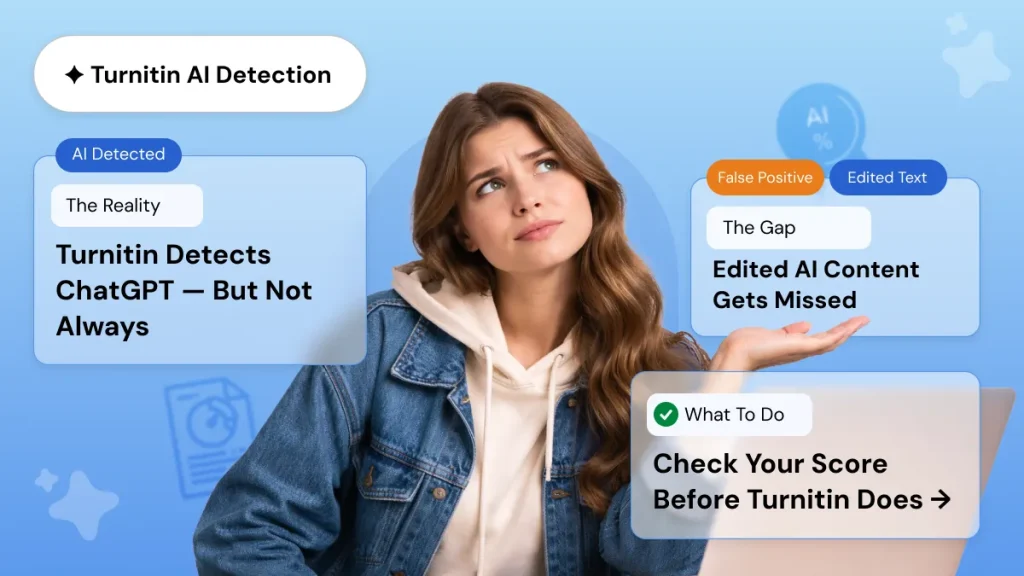
No AI detector is perfect. Even the best ones produce false positives, especially with technical writing or text from non-native speakers. That is why Turnitin for students should be used as one signal among many, not as a final verdict. A 99% accurate AI detector sounds great in marketing copy, but real accuracy depends on the type of text and how much the content has been edited since it was first generated.
Free Plagiarism Checker vs. Official Turnitin Reports
You have probably seen ads for a free plagiarism checker online. Some of them are decent for a quick preliminary scan. The problem is that none of them use Turnitin’s actual database, which contains over 70 billion current and archived web pages, plus millions of student papers and academic journals.
A free tool might check your text against public web content, but it will miss matches from private academic repositories and past student submissions. If your professor uses Turnitin for students, only an official Turnitin report gives you the real picture. That said, a free plagiarism checker can be useful as a first pass. Run your draft through one to catch obvious issues, then use humanfyai.com for the official scan before you submit.
Final Thoughts on Submitting Clean Work
The goal is not to trick Turnitin. The goal is to submit work that reflects your own effort and ideas, formatted in a way that reads naturally to both human reviewers and detection algorithms. An AI humanizer helps you bridge that gap by taking rough, machine-assisted drafts and polishing them into something that genuinely sounds like you wrote it.
Run a proper Turnitin scan, review your AI Writing Report, and refine any flagged sections before the deadline. The peace of mind alone is worth it. Ready to check your paper? Get your official Turnitin similarity and AI detection report in under 20 minutes and submit with confidence.
Worried about plagiarism scores or AI detection flags? Get the exact same plagiarism & AI report your professor sees in 15-20 minutes. Trusted by thousands of students, researchers, institutions, and agencies.