

Learn how Turnitin detects AI writing and use practical editing, personal detail, and humanizer tools to make your draft sound natural before submission.
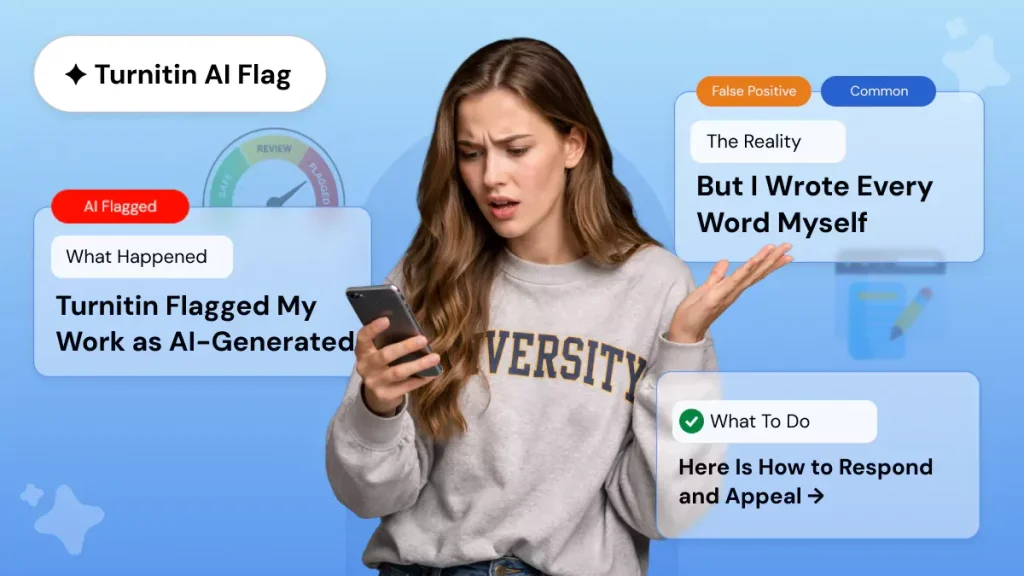
SUMMARY: The page explains how Turnitin’s AI detection works and why raw AI-generated text often scores poorly. It focuses on perplexity and burstiness, then outlines methods for making writing sound more human through varied sentence structure, personal specifics, and manual revision.
It also recommends using an AI humanizer tool as part of a workflow, alongside reading aloud and checking results before submission. The page notes student concerns about false positives and links to Turnitin’s documentation on AI detection edge cases.
Transform your AI-generated content into natural, human-like text
You paste a prompt into ChatGPT, get a clean paragraph back, and think you are done. Then you run a Turnitin check and watch the AI score climb past 30%. That is the moment most students realize raw AI output does not cut it anymore. To turn AI text into human-like writing, you need more than a quick copy-and-paste job. You need to understand what detectors actually measure and how to break the patterns they hunt for.
Roughly 40% of four-year colleges now use AI detection tools, with Turnitin leading the market. Turnitin alone has reviewed 280 million student papers since April 2023 and flagged over 9.9 million as containing at least 80% AI writing. The good news is that transforming your AI-generated content into natural, human-like text is entirely doable with the right approach.
Why Raw AI Output Fails a Turnitin Scan
Turnitin’s AI detection does not read your essay the way a professor does. It does not judge argument quality or fact-check citations. Instead, it runs a statistical analysis on two primary metrics: perplexity and burstiness.
Perplexity: The Predictability Problem
Perplexity measures how predictable your word choices are. When a language model reads your text, it tries to guess the next word. If it guesses correctly most of the time, your perplexity score drops. Human writing produces surprises. A writer might choose an unusual verb or reference a niche detail that a model would never predict. Human writing averages 80-100 perplexity units, while GPT-4 output typically scores 20-30.
Burstiness: The Rhythm Test
Burstiness tracks variation in sentence structure. AI models produce sentences of similar length because their training rewards consistency. ChatGPT output averages a burstiness score of 0.18-0.25, while natural human writing falls between 0.65 and 0.85. If your paragraphs read like a metronome, a Turnitin scan will notice.
Table
| Metric | AI-Generated Text | Human-Written Text |
|---|---|---|
| Perplexity | 20-30 | 80-100 |
| Burstiness | 0.18-0.25 | 0.65-0.85 |
| Sentence length variation | Low (uniform) | High (varied) |
How to Humanize AI Text with Natural Flow
The most effective way to humanize AI content is to target both perplexity and burstiness at once. Simple synonym swapping only addresses surface-level vocabulary and leaves the underlying sentence rhythm untouched. Real humanization restructures how ideas flow from one sentence to the next.
Vary Your Sentence Structure
Start with sentence length variation. Follow a 25-word sentence with a four-word fragment. Then write a long, winding sentence with multiple clauses. This irregularity is exactly what human readers expect and what detection models struggle to classify. Mix short declarative statements with complex compound sentences. Add rhetorical questions. Break up paragraphs with single-sentence observations.
Add Personal Specificity
Next, inject personal specificity. AI models default to generic statements because they generate from probability distributions. Replace vague phrasing with concrete details. Instead of “many students face challenges,” write “I watched three classmates in my biology seminar struggle with the same lab report format.” That specific, first-person detail raises your perplexity score because no language model predicted those exact words.
Practical techniques to transform your AI-generated content into natural, human-like text:
- Use contractions naturally. Turn “it is” into “it’s” and “do not” into “don’t” in 3-5 spots per paragraph.
- Add one personal example per major section. A detail from a lecture or your own interpretation of a source introduces unpredictability.
- Vary your transitions. Use conversational connectors like “here’s the thing” or “on the flip side” instead of “furthermore” and “moreover.”
- Include minor imperfections. A real writer occasionally starts a sentence with “And” or “But.” These small deviations are authenticity signals.
- Break structural patterns. AI loves intro-list-conclusion formatting. Open with your main point instead of building toward it.
AI Humanizer Tool: Humanize AI Text
Manual editing works, but it takes time. For students juggling deadlines, an AI humanizer tool can handle the heavy lifting of pattern-breaking while you focus on adding your own voice. The best tools do more than swap synonyms. They restructure sentence cadence, vary complexity, and adjust tone to match academic or casual contexts.
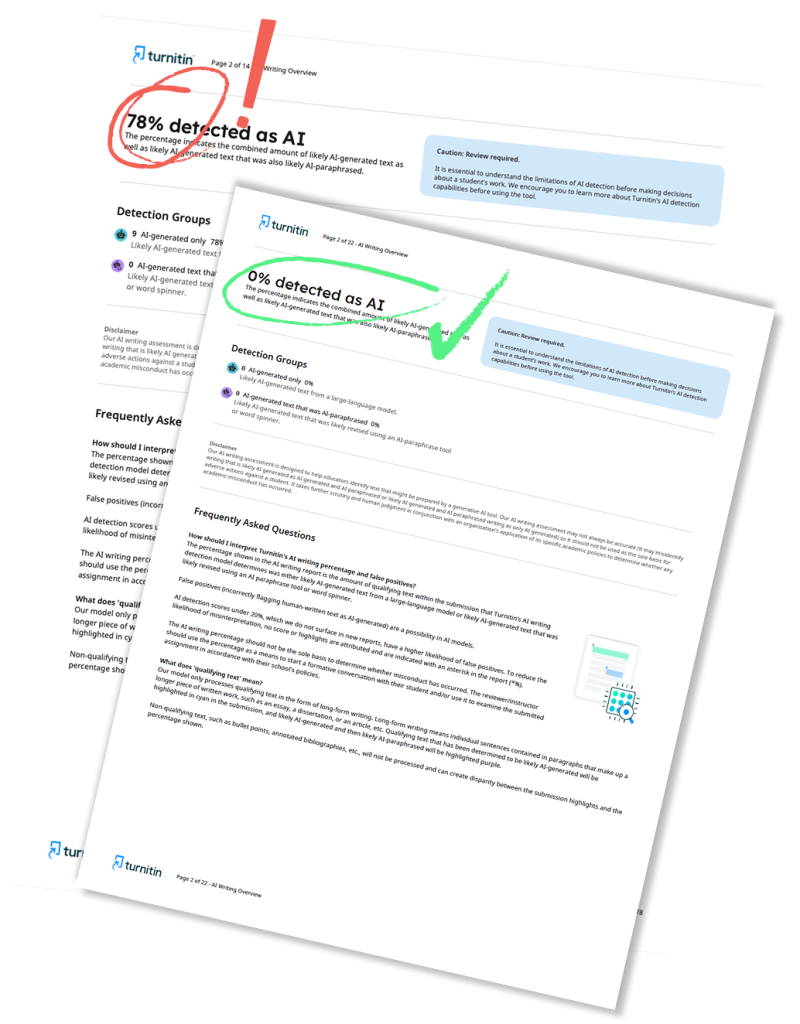
Turnitin itself acknowledges this tension. The company’s chief product officer stated that Turnitin would “rather miss some AI writing than have a higher false positive rate.” The system intentionally lets roughly 15% of AI-generated text slip through to keep false accusations below 1%. That gap is where effective humanization lives. If you push your text far enough from predictable patterns, even Turnitin’s own detection system may classify it as human-written.
When choosing a humanizer to humanize AI text, look for these features:
Table
| Feature | Why It Matters |
|---|---|
| Pattern-level rewriting | Restructures sentence rhythm, not merely vocabulary |
| Built-in detection check | Lets you verify results before submission |
| Context preservation | Keeps your original meaning and citations intact |
| Multiple tone modes | Matches academic, casual, or professional styles |
| Regular model updates | Stays current with evolving detection algorithms |
A quality tool to humanize AI generated text should produce output that reads like a thoughtful student wrote it. The best results come from combining automated humanization with your own manual edits. Run the text through a humanizer, then read it aloud. Does it sound like something you would actually say? If a sentence feels off, rewrite it in your own words.
Turnitin for Students: Understanding the Stakes
If you are a student submitting work through a learning management system, your paper likely passes through Turnitin for students before your professor reads it. The AI detection score appears alongside the similarity score in the instructor dashboard. A high AI percentage does not automatically mean trouble, but it can trigger additional scrutiny or academic integrity conversations.
Turnitin hides AI scores between 1% and 19%, displaying an asterisk instead of a number. Once your score hits 20% or above, Turnitin displays the percentage clearly and flags the text as likely AI-generated. According to a 2026 Inside Higher Ed survey, 75% of students report stress related to AI detection, and 52% specifically fear false accusation. A Stanford study found that AI detectors flagged 61% of essays written by non-native English speakers as AI-generated, a bias that disproportionately affects international students.
Understanding how Turnitin AI detection works gives you a practical advantage. You cannot game the system with tricks, but you can produce writing that genuinely reflects human authorship. The key is to stop thinking of AI as a shortcut that produces finished work and start treating it as a starting point that requires real revision.
Building a Workflow That Works
Here is a straightforward process to humanize AI text before any submission:
- Use AI to generate ideas, outlines, or rough drafts. Do not treat the output as final.
- Rewrite the draft yourself. Add your own examples, opinions, and phrasing.
- Run the text through a humanizer tool to break remaining AI patterns.
- Read the output aloud and fix anything that sounds robotic.
- Run a final detection check to verify your AI score is low.
- Save your drafts and notes in case you need to document your writing process.
This workflow respects both the technology and the human element. AI accelerates the early stages. Human judgment and voice carry it across the finish line.
Official Turnitin Documentation:
For a deeper understanding of how AI detection handles edge cases and false positives, refer to Turnitin’s official guide: Understanding false positives in Turnitin AI detection.
Worried about plagiarism scores or AI detection flags? Get the exact same plagiarism & AI report your professor sees in 15-20 minutes. Trusted by thousands of students, researchers, institutions, and agencies.